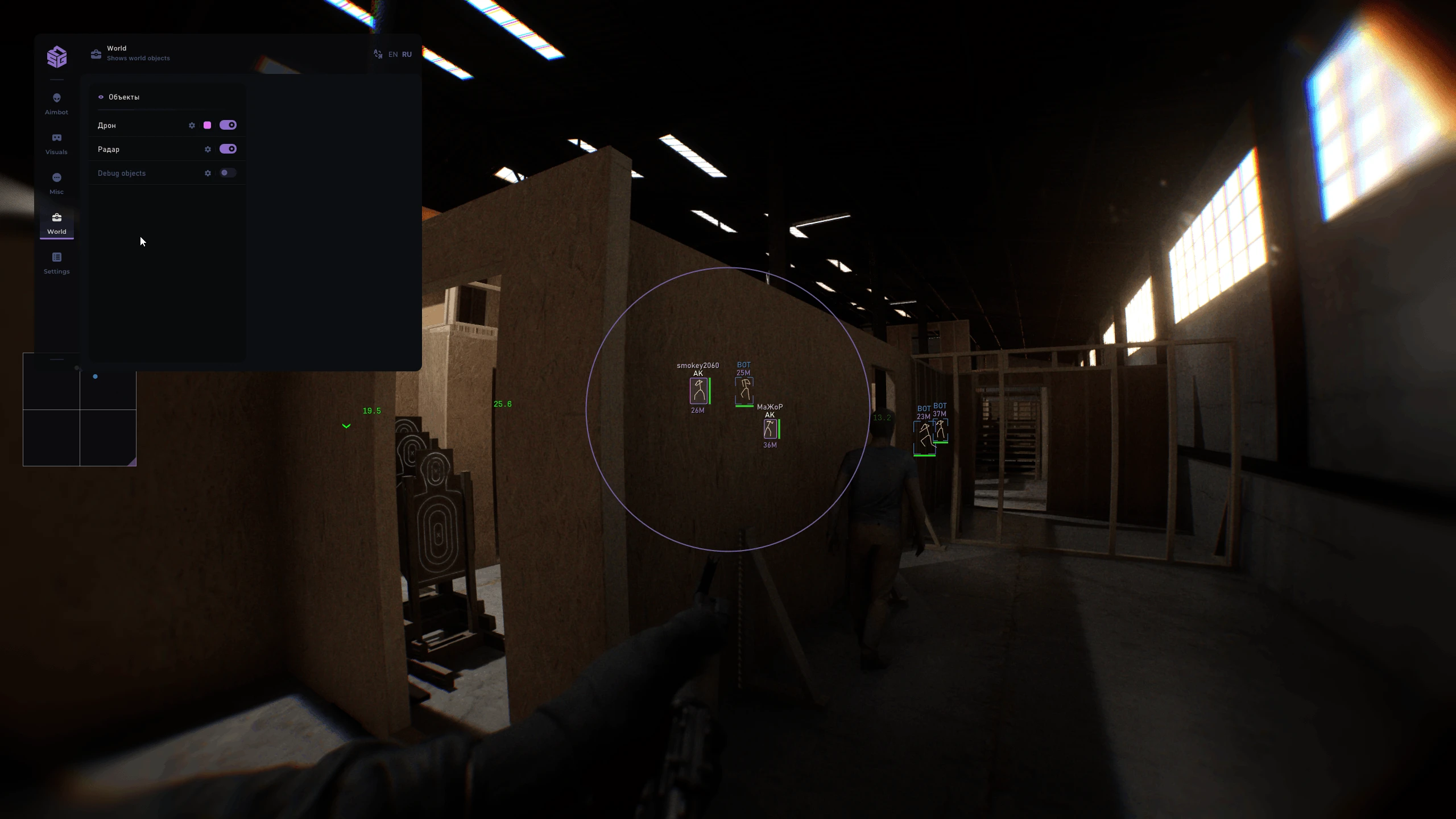
![Mason [Bodycam]](https://www.buyhack.pro/storage/products/vwGVJsRvbYHjgNk1whnzC7AdzJnp74x88qGi7mAN.webp)
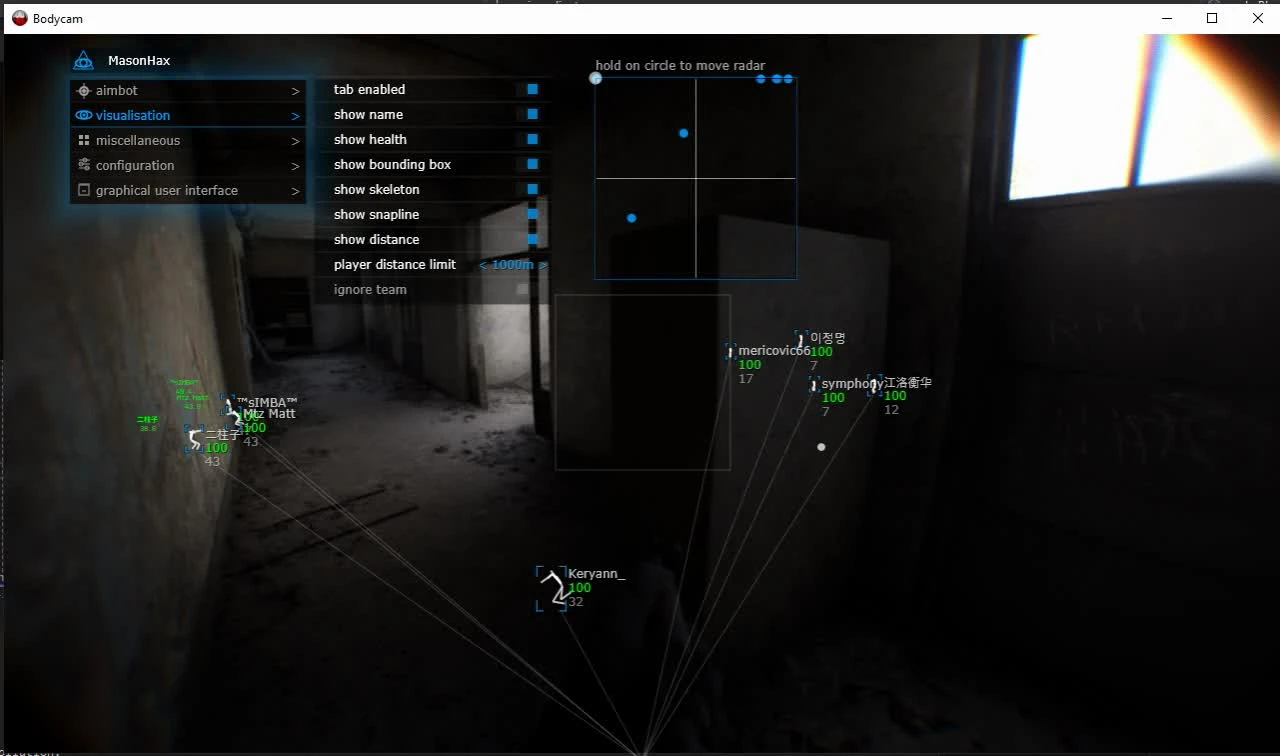
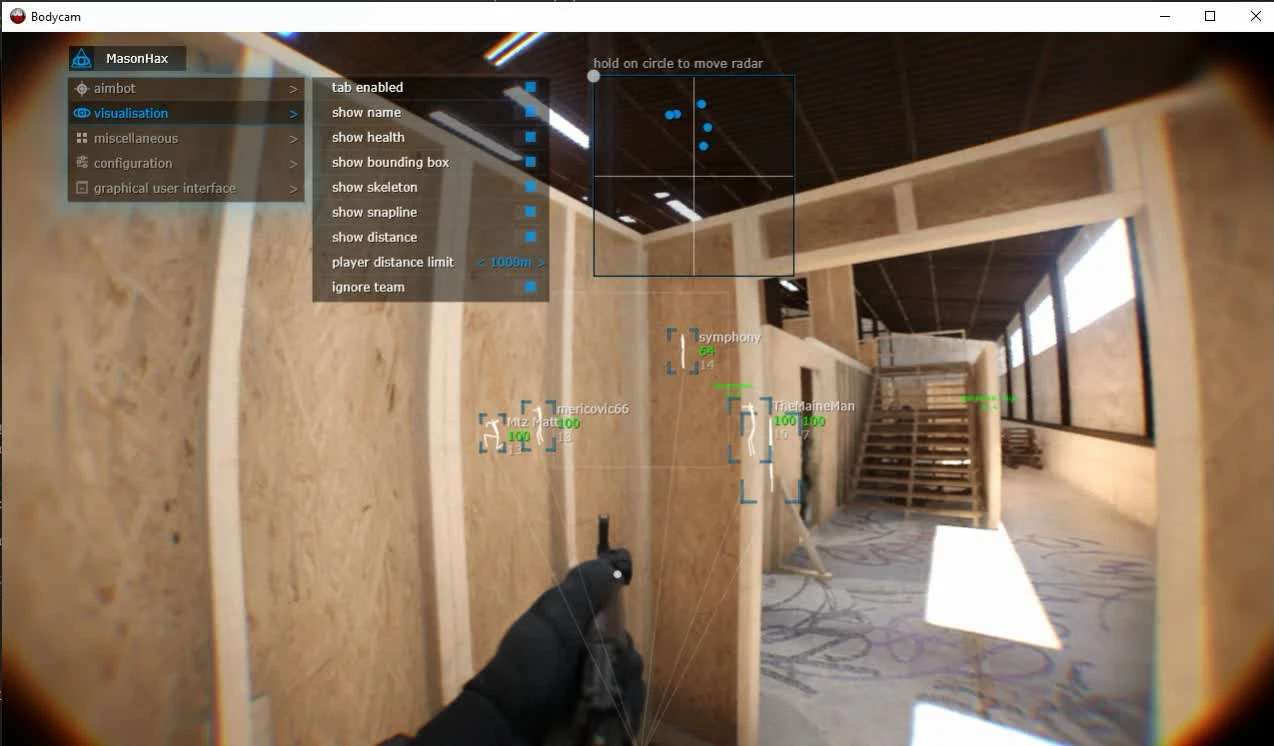
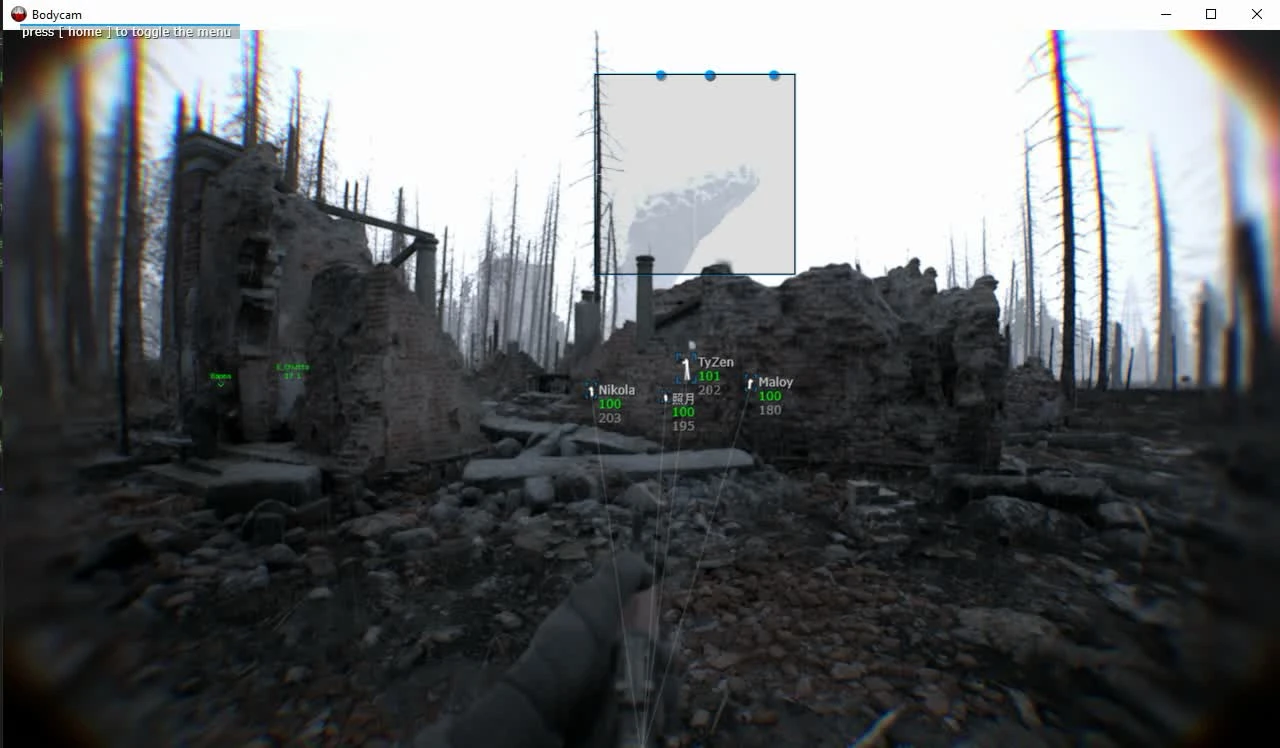
Mason [Bodycam]
Aimbot (automatic guidance)
- Enabled / Enable automatic targeting
- Aim key / Aimbot activation key
- Aim radius
- Aim spot / Selecting the targeting area
Visualisation (display of players)
- Enabled / Enable ESP
- Show bounding box / Display a frame around the player
- Show name / Display player name
- Show health / Display player health
- Show skeleton / Display the player's skeleton
- Show snapline / Display line to player
- Show distance / Display distance to the player
- Player distance limit / Maximum display distance for players
Configuration
- Save CPU / Reduce CPU load
- Menu key
- Panic key
- Load config from clipboard
- Save config from clipboard
Graphical user interface (GUI)
- Show aim radius / Display the aimbot's radius
- Show crosshair / Display additional crosshair
- Enable radar
- Radar size / Adjust radar size
- Radar radius / Set radar radius
* The program's functionality may be changed at any time at the developer's discretion, but we always try to keep the information up to date.
Supported game version: Steam
Supported game mode: Windowed / Fullscreen in window
Supported Windows OS: 10&11 x64, versions (2004 / 20H2 / 21H1 / 21H2 / 22H2 / 23H2 / 24H2 / 25H2 / 26H1 ), you can check your build using the instructions HERE
Supported anti-cheats: BattlEye
Supported processors: Intel and AMD
Support for invisibility in videos or screenshots: Yes
BIOS boot mode: UEFI. You can check which format is used in the system using the instructions HERE.
The boot record format of the system disk is GPT. You can check which format is used in the system using the instructions HERE.
Additional Windows system requirements: Enable VT-x / VT-d (Virtualization) / Enable Hyper-V / Disable Secure Boot
YOU MIGHT ALSO LIKE
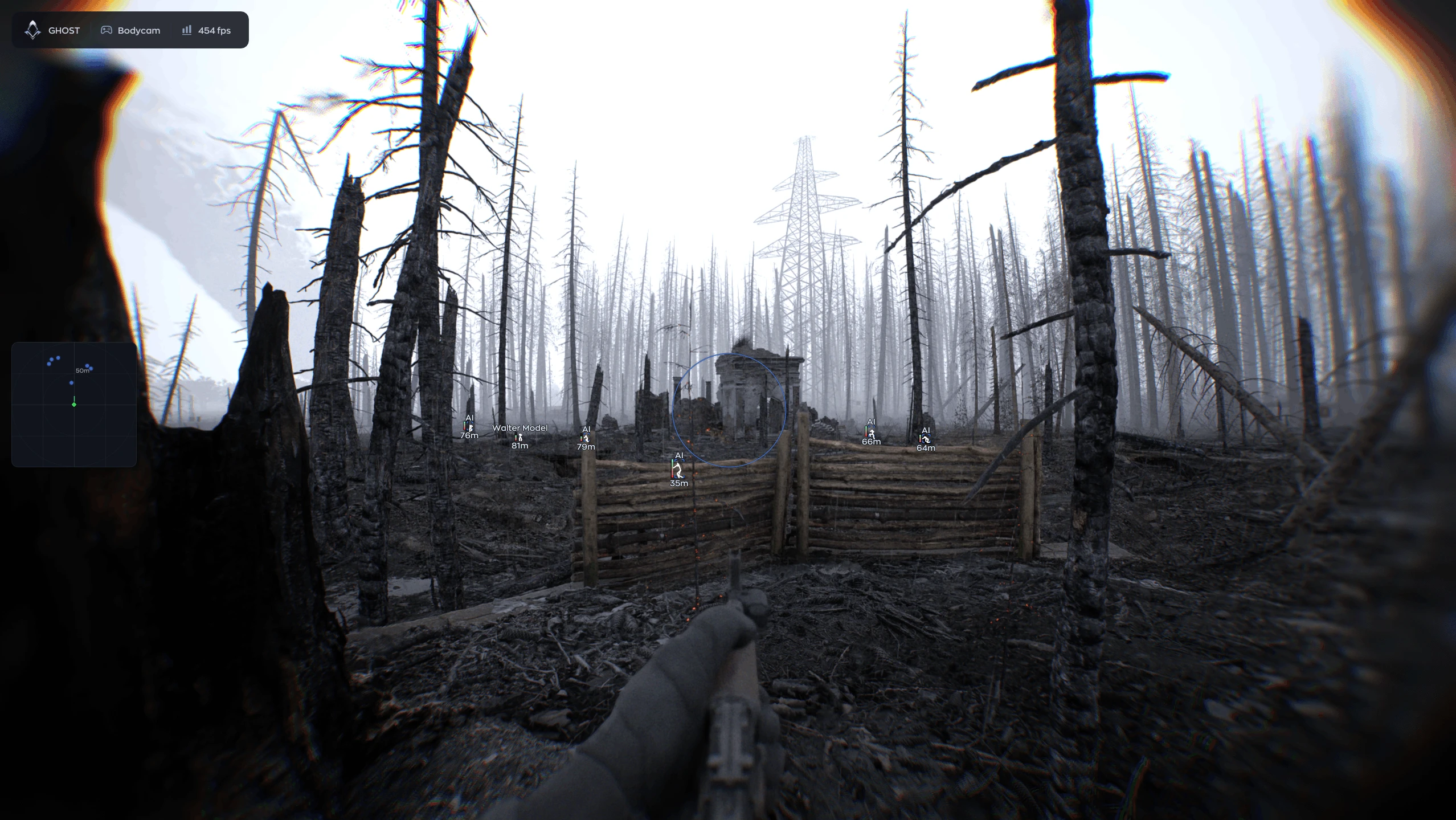
Reviews for Mason [Bodycam]
No reviews yet. Be the first!